# 活动目录
# 一、安装
- 启动服务器管理器
servermanager
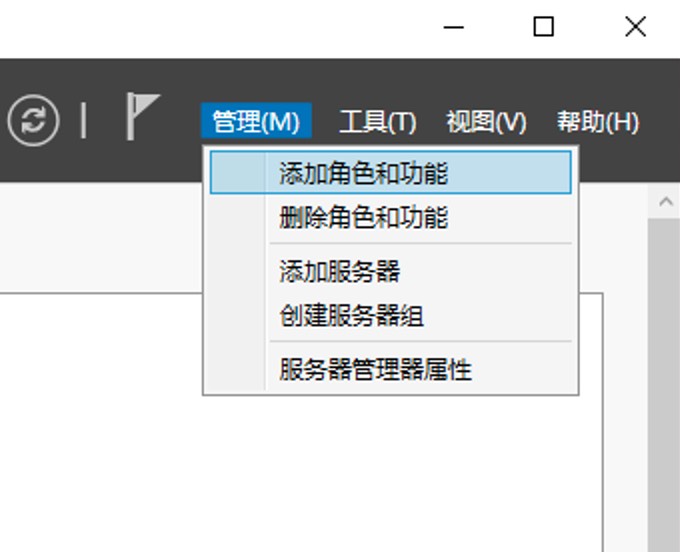
- 添加角色和功能
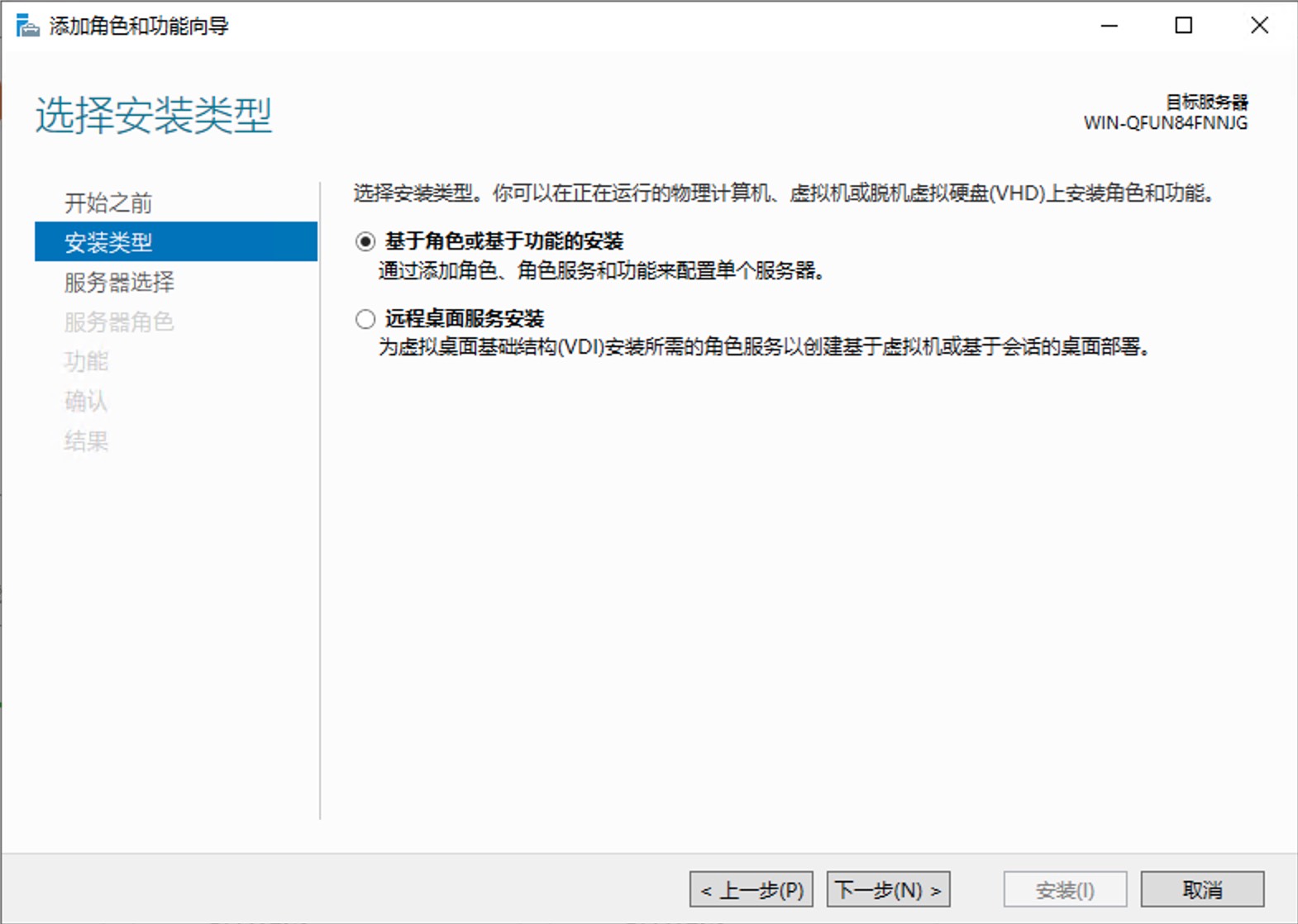
- 选择
基于角色或基于功能的安装
- 选择
Active Directory域服务
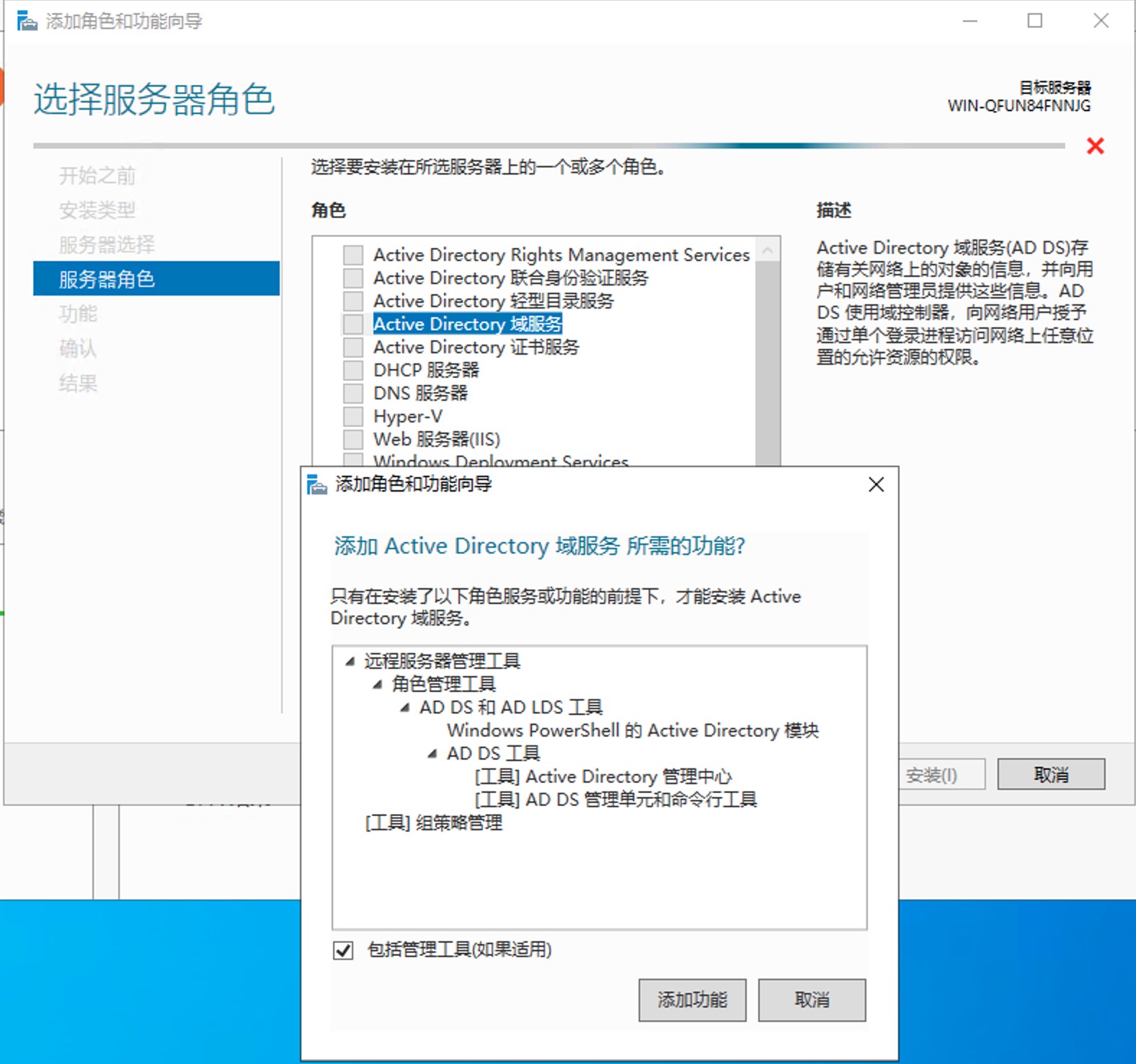
然后一直下一步安装就可以了
# 二、配置
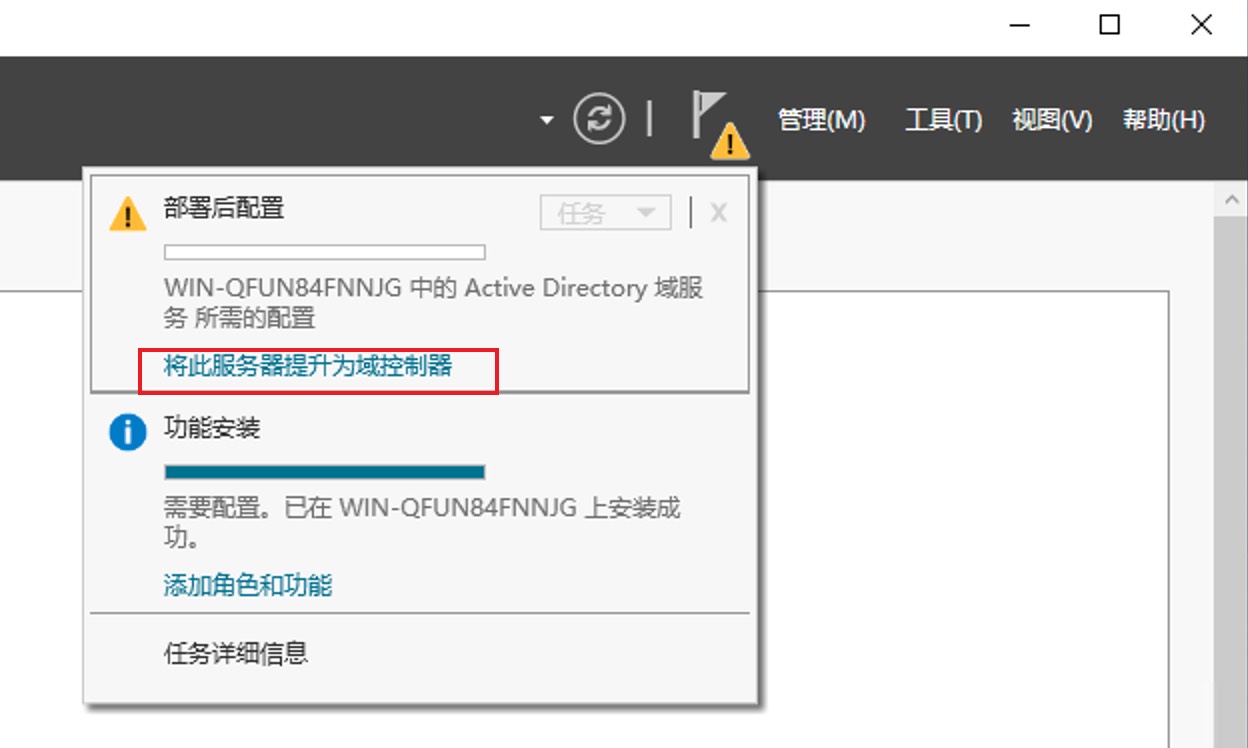
- 将服务器提升为域控制器
- 添加新林
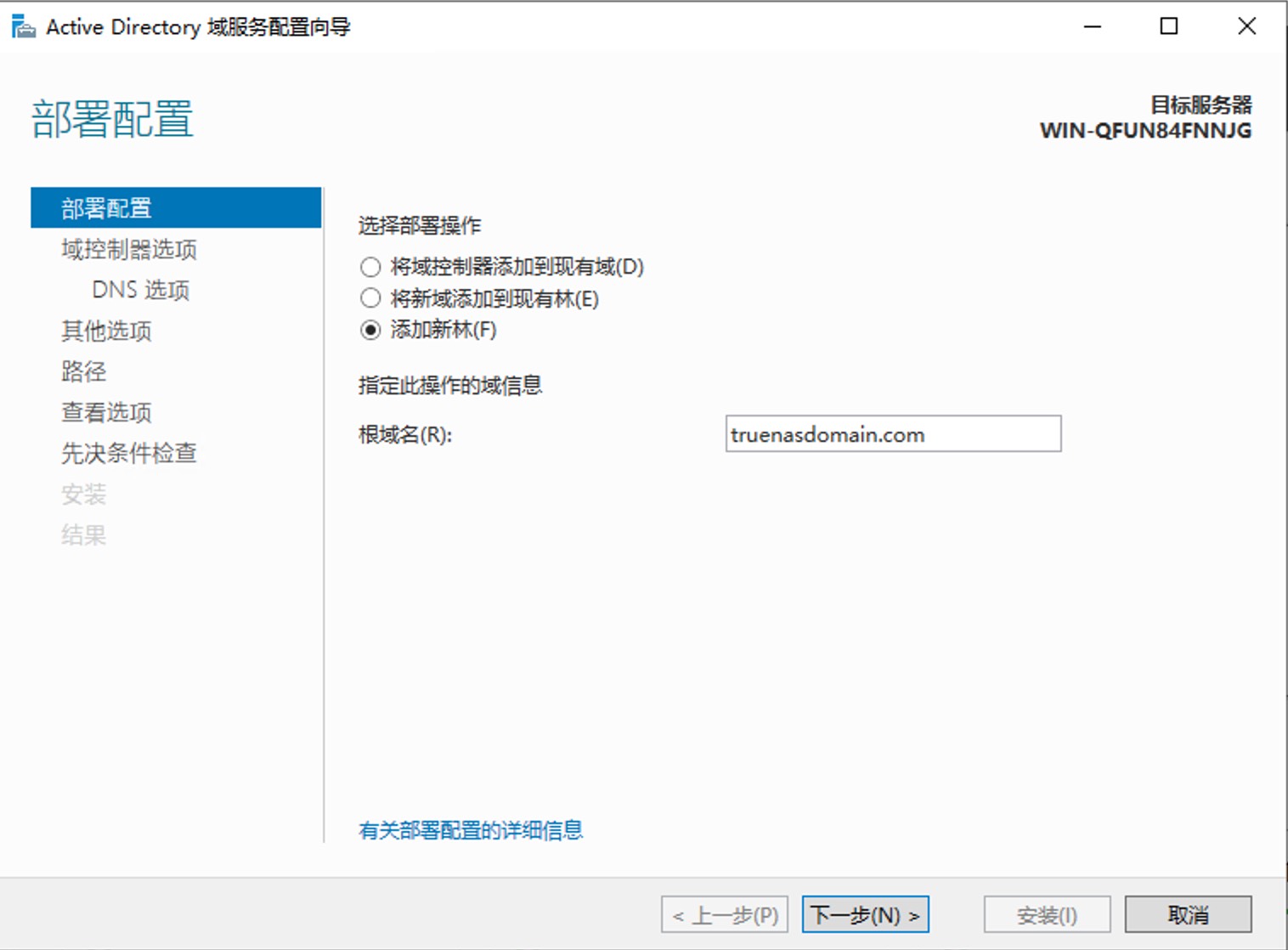
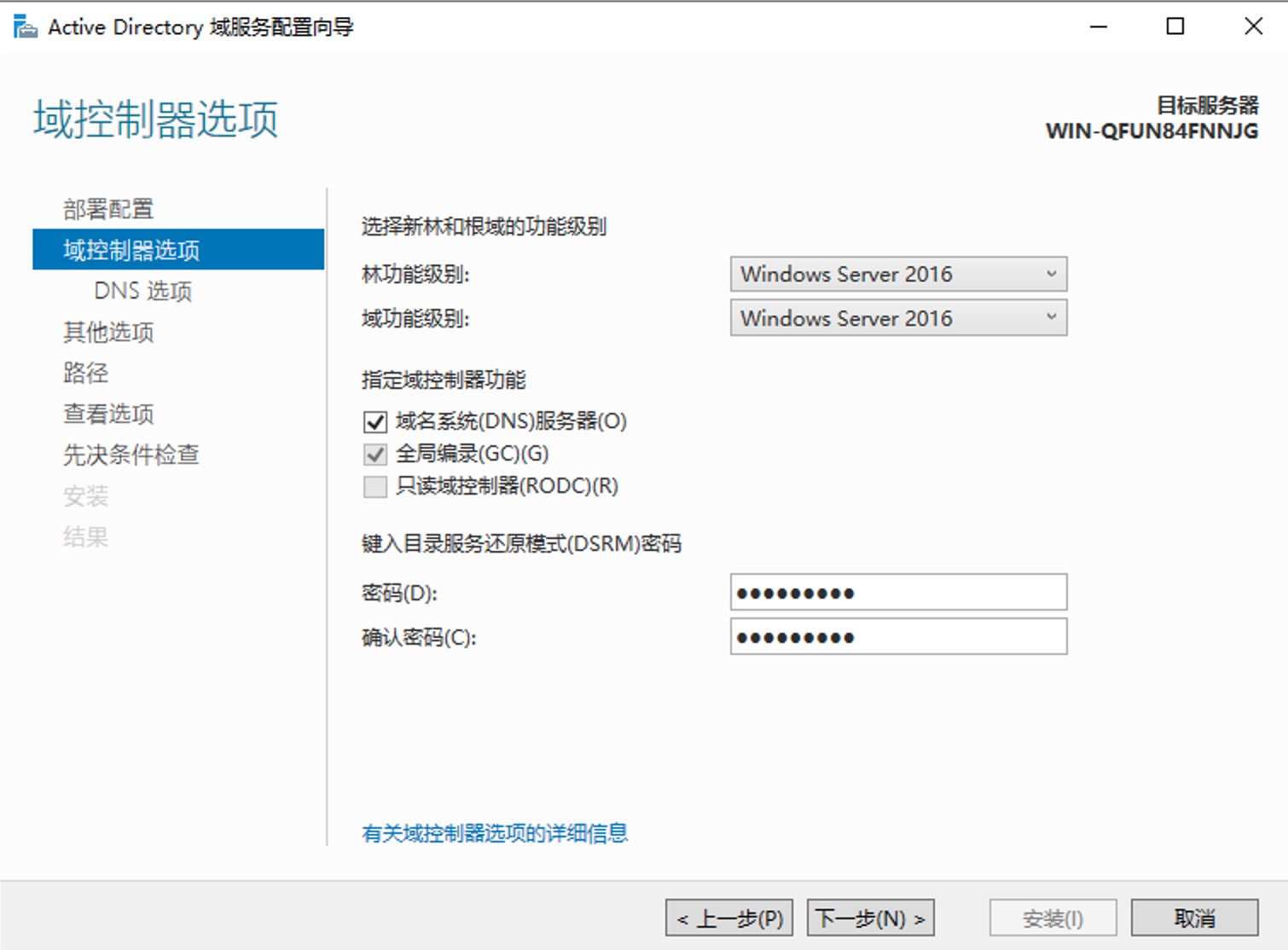
- 选项默认,密码设置好
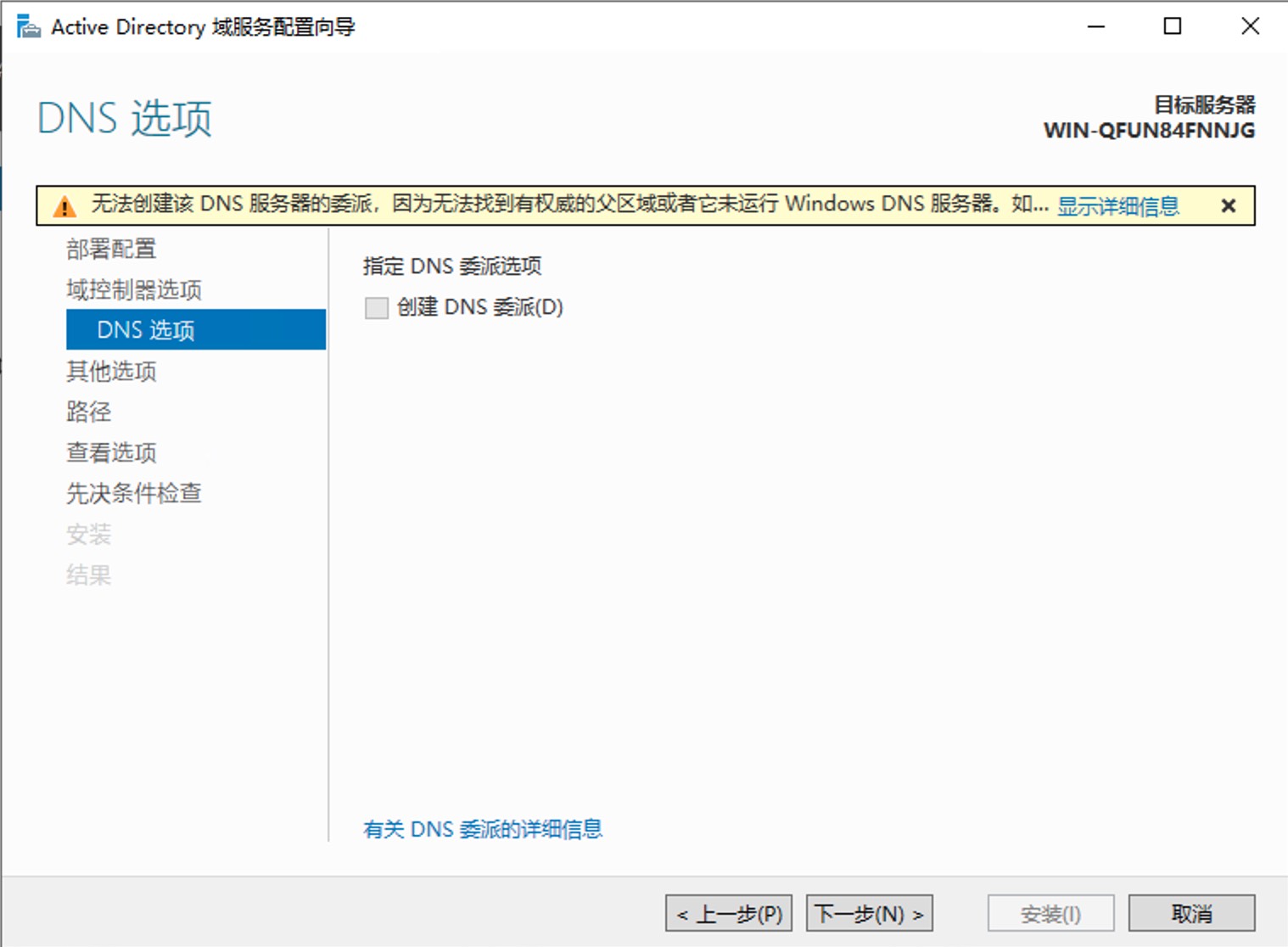
- dns警告不管
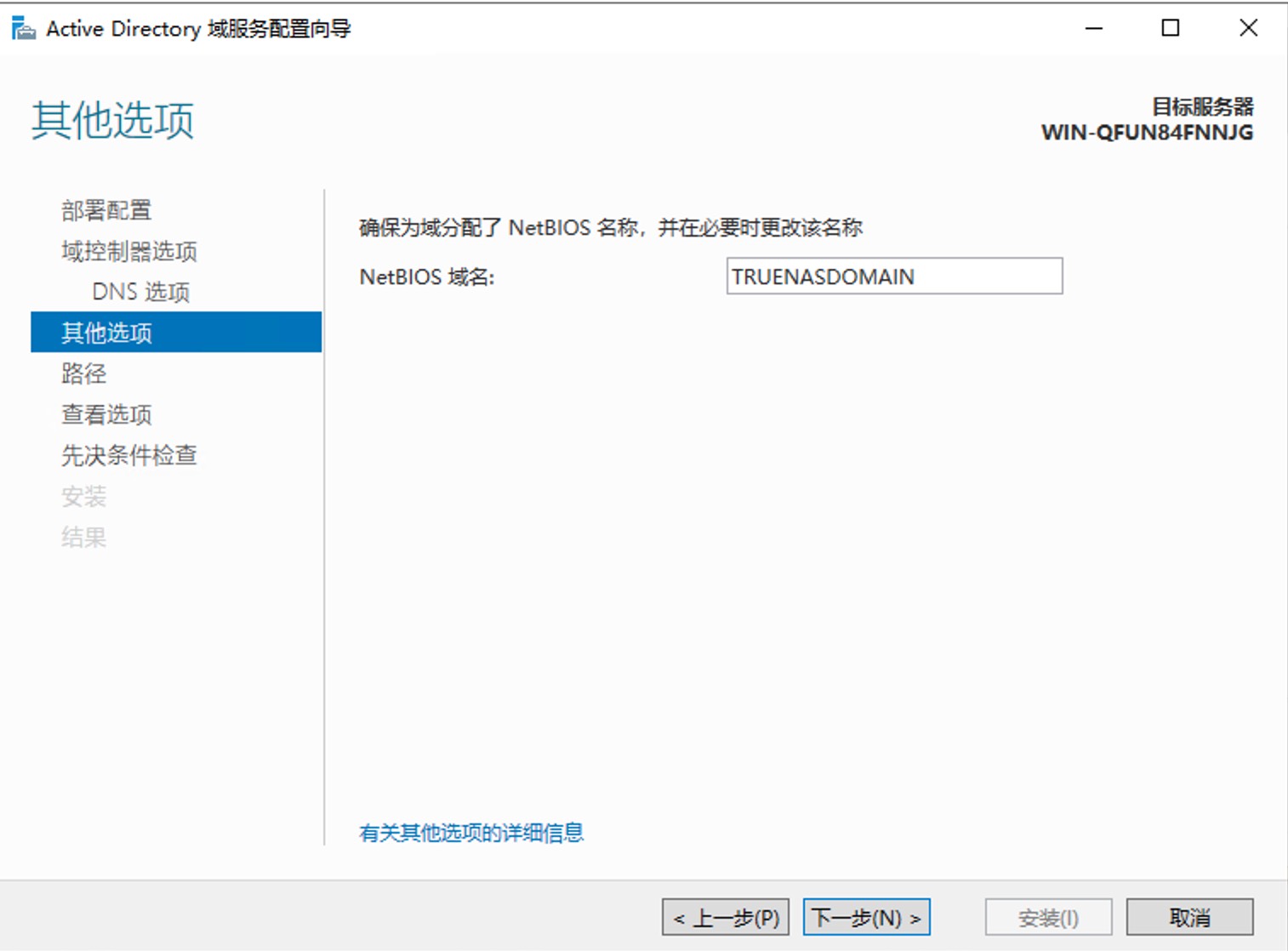
- 设置NetBIOS名字,会自动带过来。然后一路下一步安装
- 检查状态
几个PowerShell命令
# Verifing if the Active Directory installation was successfully completed:

Get-Service adws,kdc,netlogon,dns

# Getting the details of your Domain Controller:
Get-ADDomainController

# To get the details of your domain, use this command:
Get-ADDomain exampledomain.com
1
2
3
4
5
6
7
8
9
2
3
4
5
6
7
8
9
# 三、添加域用户
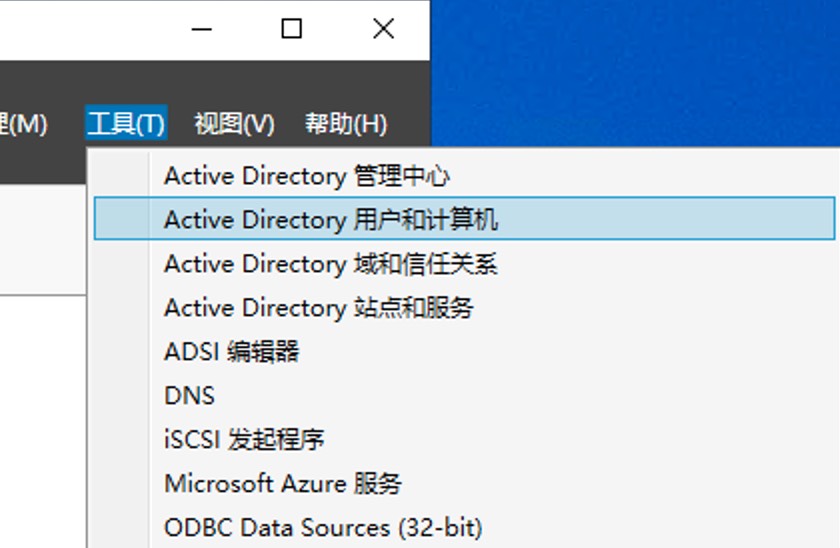
- 入口
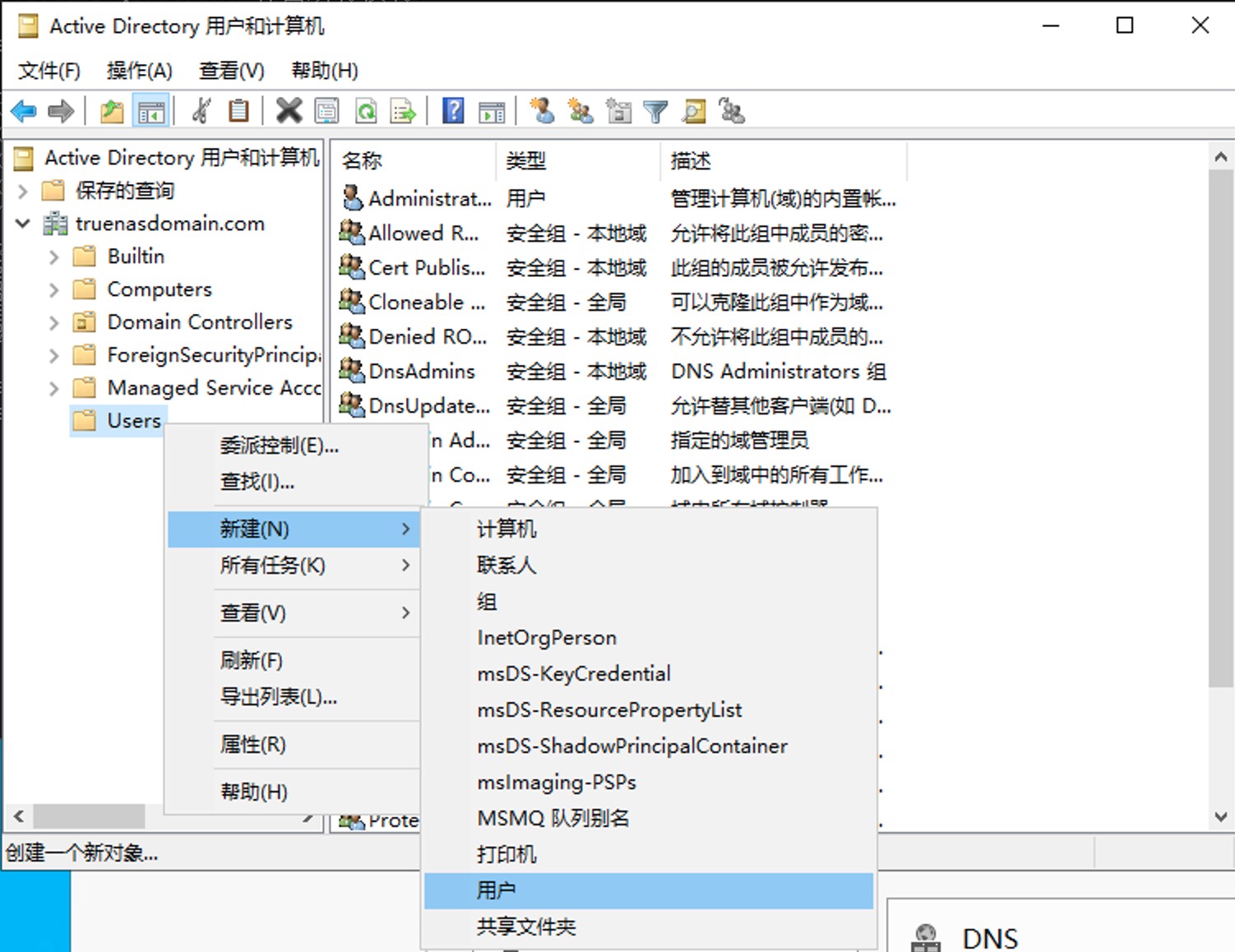
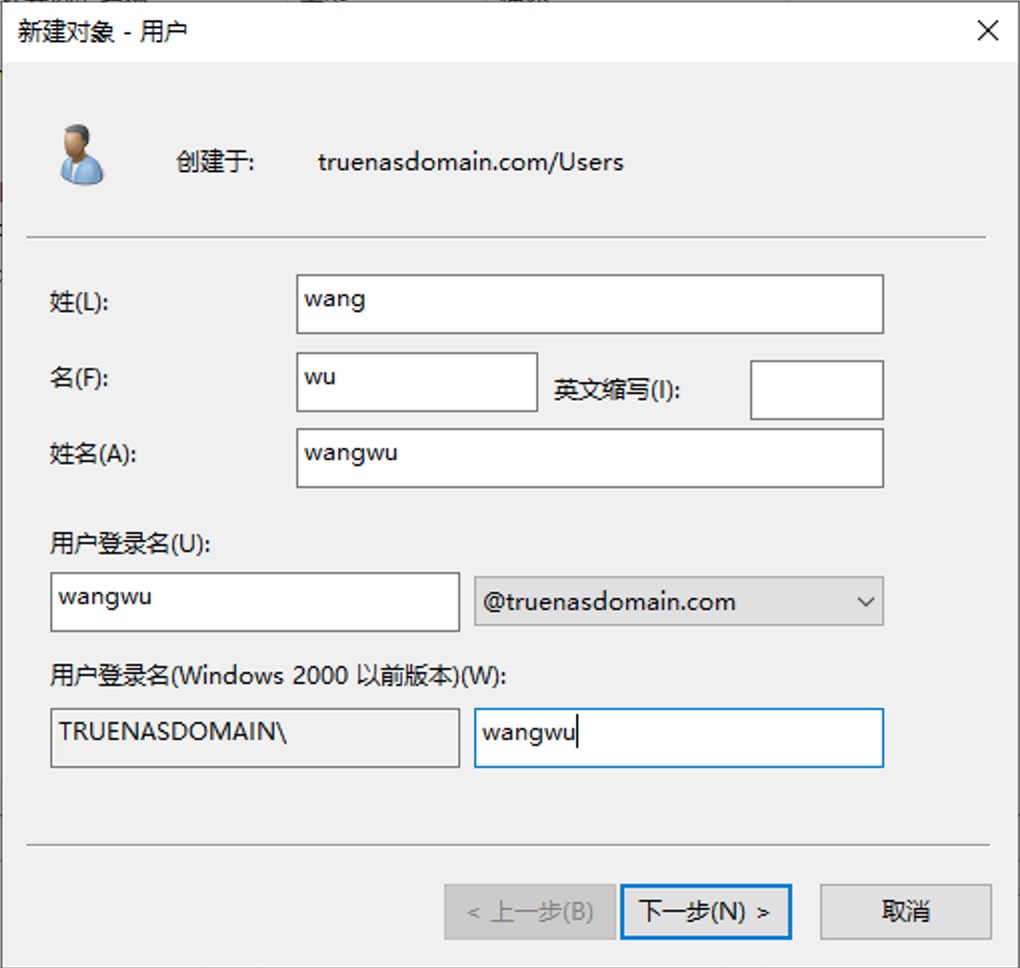
- 添加用户
← Windows